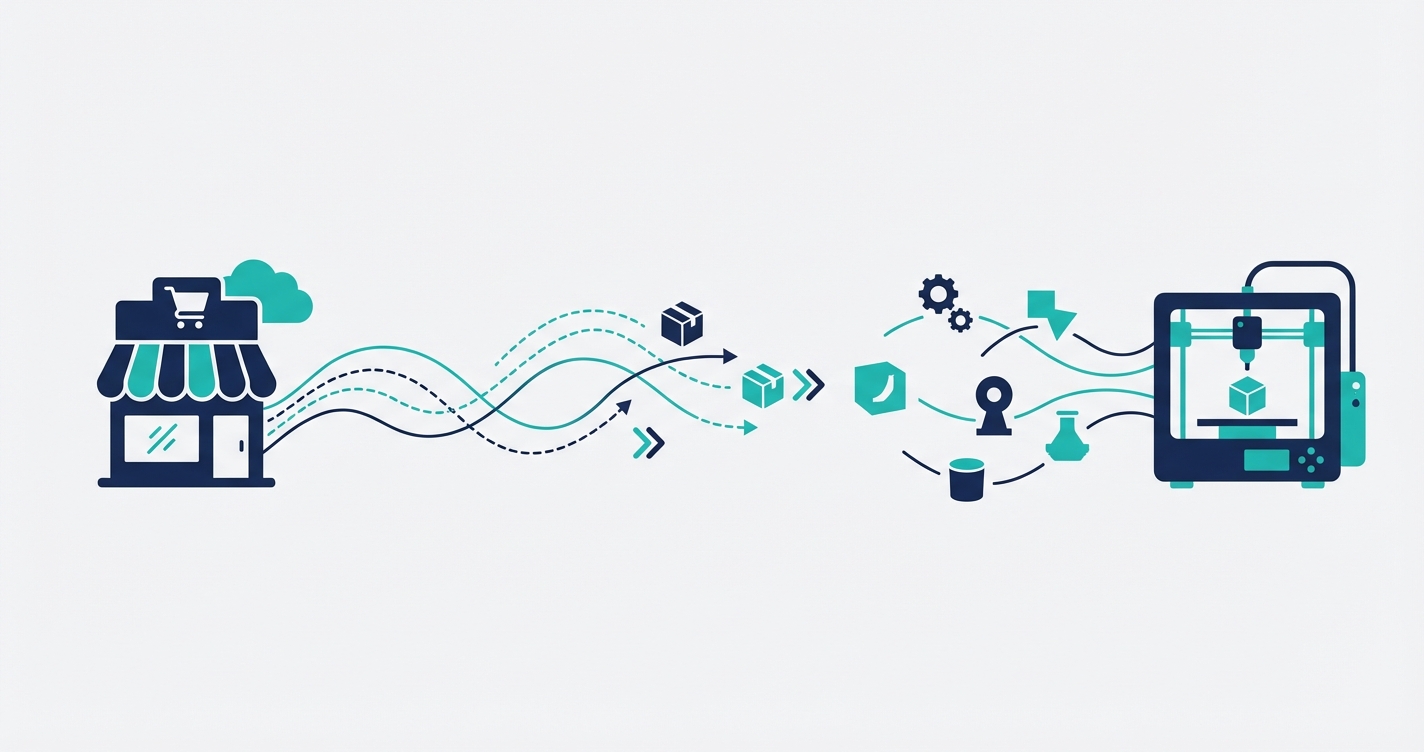
3D printing has quietly moved from prototyping labs to retail storefronts. Merchants are selling custom figurines, replacement parts, architectural models, personalized accessories, and functional household items — all manufactured on demand with 3D printers. The technology is mature, the materials are affordable, and consumer awareness is growing. But there is a bottleneck that almost every 3D printing merchant hits once sales pick up: the gap between receiving an order and actually starting the print.
The operational reality of 3D print-on-demand
Selling 3D printed products through Shopify sounds straightforward on paper. A customer places an order, you print the item, and you ship it. In practice, every single order triggers a chain of manual tasks that quickly becomes unsustainable.
When an order arrives, someone needs to open the printing software, find the correct 3D model file for the product that was ordered, configure the material settings, set the print yield — how many copies to produce per job — queue the print, and then go back to Shopify to update the order status. For a store selling twenty different products across multiple material options and colors, this process takes anywhere from three to ten minutes per order. That might sound manageable at five orders a day. At twenty orders it consumes your entire morning. At fifty, you need a dedicated person doing nothing but translating Shopify orders into print jobs.
The problem is compounded by the risk of human error. Select the wrong file and you waste hours of print time and material. Forget to update the order status and your customer sends a worried email asking where their product is. Miss an order entirely and you are dealing with refunds and negative reviews. The manual workflow does not just waste time — it actively limits how much your business can grow.
How a Shopify-SimplyPrint integration works
SimplyPrint is a cloud-based 3D printer management platform used by businesses and print farms to manage their fleet of printers, queue jobs, and monitor print progress. It is an excellent tool for the printing side of the operation. What it lacks — like most specialized software — is a native connection to e-commerce platforms. That is where integration comes in.
Automatic print job creation from orders
The core of the integration is simple in concept but transformative in practice: when a new order arrives in Shopify, a print job is automatically created in SimplyPrint with all the correct settings. No human intervention required. The order comes in, the print job appears in your SimplyPrint queue, and your printers start working.
EAN-based product mapping
The integration uses EAN codes — the unique product identifiers already assigned to your Shopify products — to map each item to its corresponding 3D model file and print configuration in SimplyPrint. This mapping is configured once per product. When a customer orders a specific product variant, the system knows exactly which file to print, what material to use, and how the printer should be configured. No manual file selection, no guesswork.
Yield-per-item configuration
Some products require multiple printed components. A board game set might include twelve figurines. A replacement parts kit might contain five different pieces. The yield configuration tells the system how many prints to produce for each line item in the order. If a customer orders two board game sets, the integration automatically creates a job for twenty-four figurines — not two. This kind of logic is trivial for software to handle but remarkably easy for humans to get wrong under time pressure.
Bidirectional status syncing
Once a print job starts, its status flows back to Shopify. Your customer sees their order move from processing to printing to shipped without anyone manually updating statuses. If a print fails and needs to be restarted, that information is captured too. This transparency keeps customers informed and keeps your support inbox quiet.
SimplyPrintSync: built for this exact problem
We built SimplyPrintSync specifically for 3D printing merchants who sell through Shopify. It is not a generic automation tool adapted for 3D printing — it was designed from the ground up to bridge the gap between Shopify orders and SimplyPrint jobs.
The setup is straightforward. You install the app, connect your SimplyPrint account, map your products using EAN codes, configure yield settings for items that require multiple prints, and the system takes over. New orders automatically become print jobs. Status updates flow back to Shopify. The entire order-to-print pipeline runs without manual intervention.
Because SimplyPrintSync is a managed Shopify app with monthly pricing, there is no large upfront investment. You do not need to hire a developer, set up servers, or maintain custom code. It works out of the box for the specific workflow that 3D printing merchants need.
Need a custom integration for your Shopify store?
The approach applies beyond SimplyPrint
While SimplyPrintSync targets the Shopify-to-SimplyPrint pipeline specifically, the underlying approach works for any print-on-demand setup. The principle is the same whether you are running a farm of FDM printers, operating SLA machines for high-detail miniatures, or managing a laser cutting operation alongside 3D printing. Every manufacturing-on-demand business faces the same challenge: translating incoming orders into production jobs accurately and quickly.
If your print management software has an API — and most modern platforms do — the same pattern of automatic job creation, product mapping, yield configuration, and bidirectional status syncing can be implemented. The key insight is that this is not a problem you should be solving with spreadsheets and discipline. It is a problem that software handles perfectly every time.
The business impact: from 5 orders to 50+
One of our merchants was processing roughly five orders per day before implementing SimplyPrintSync. Each order took about eight minutes of manual work: checking the order details, opening SimplyPrint, finding the right file, configuring settings, queuing the print, and updating the Shopify order. That was forty minutes per day — manageable, but already tedious.
As their store gained traction, order volume climbed. At fifteen orders per day, they were spending two hours on order processing alone. They started making mistakes — wrong files, incorrect quantities, forgotten status updates. They considered hiring someone to handle the workflow, which would have cost them roughly two thousand euros per month for a part-time employee.
Instead, they implemented SimplyPrintSync. The integration eliminated the manual processing entirely. Within a month, they were handling fifty or more orders per day with the same team. The time previously spent on order processing was redirected to product development and marketing. More importantly, errors dropped to near zero because the system does not get tired, distracted, or confused by similar product names.
The real value of automation is not just the time saved — it is the ceiling it removes. Manual processes create hard limits on how fast your business can grow. Automation turns those limits into choices.
The financial math is compelling. The cost of the integration is a fraction of what a part-time employee would cost, it operates around the clock without breaks, and it scales infinitely. Whether you process ten orders or ten thousand, the per-order cost of automated processing is effectively zero.
Getting started
If you are running a 3D printing business through Shopify and spending significant time translating orders into print jobs, the path forward is clear. Start by auditing how much time you spend per order on manual processing. Multiply that by your daily order volume. That number represents the capacity you could reclaim with automation.
For SimplyPrint users, SimplyPrintSync is ready to go. For merchants using other print management platforms, reach out to us — the same integration approach can be adapted to virtually any system with an API. The 3D printing industry is growing fast, and the merchants who automate their operations now are the ones who will be able to scale with that growth.
Running a 3D printing store and spending too much time on manual order processing? Get in touch and we will show you how to automate the entire pipeline.